Event
Invoice 2026-0018 was prepared with QR payment
Time
12 min ago
A focused overview of the main workflows for invoicing, receipts, received documents, monthly accountant packages, PDF tools, PEPPOL readiness, and Android workflows.
Selected
Invoice 2026-0018 was prepared with QR payment
| Invoice 2026-0018 was prepared with QR payment | 12 min ago | |
| Phone receipt scan was saved as a received document | today | |
| Bank transaction was linked to a supplier invoice | today | |
| Monthly accountant package is ready for ZIP export | yesterday |
Event
Invoice 2026-0018 was prepared with QR payment
Time
12 min ago
Event
Phone receipt scan was saved as a received document
Time
today
Event
Bank transaction was linked to a supplier invoice
Time
today
Event
Monthly accountant package is ready for ZIP export
Time
yesterday
OnlineOffice is not trying to replace the accountant. It prepares the source material so everyone sees what is ready, what is missing, and what can be handed off.
Supplier PDFs, XML files, eInvoices, and receipts are separated from issued invoices and ready for review.
Bank movements and manually marked items show which payments still need supporting documents.
Statement import helps confirm payments and keep evidence for why a document was matched to a movement.
The monthly ZIP, checklist CSV, and audit trail become one accountant-ready package.
The Demo Center highlights practical workspace scenarios. Each section explains what the module does, when to use it, and where to continue.
Create invoices with company records, QR payment codes, PDF, archive XML, eInvoice UBL output, and a status workflow.
Workflow preview
Collect received invoices, receipts, missing documents, and bank movements into a monthly accountant-ready package.
Accounting month
Public PDF tools and paid document generation from templates and spreadsheets.
Typical document flow
Manage vehicles, drivers, trips, mileage, expenses, and monthly reports for Slovak businesses.
Monthly output
Manual clock-in/out, breaks, monthly timesheets, approvals, corrections, and payroll exports.
Manager view
The Demo Center is a product overview. For hands-on work, continue to Tools or Workspace; detailed guides live in the blog and knowledge base.
Public PDF, image, and text tools work without an account. Invoicing, received documents, monthly packages, trip logs, and attendance require an account and plan access.
Yes. The public preview shows documents, bank evidence, and readiness status. In the full workspace, those records can be bundled into a monthly ZIP package and checklist for the accountant.
Smart Presence uses workplace enter/exit events. Smart Trips records route data only during an explicitly enabled or confirmed trip.
Yes. Each section links to the relevant module or guide, so it can be used as a concise product walkthrough.
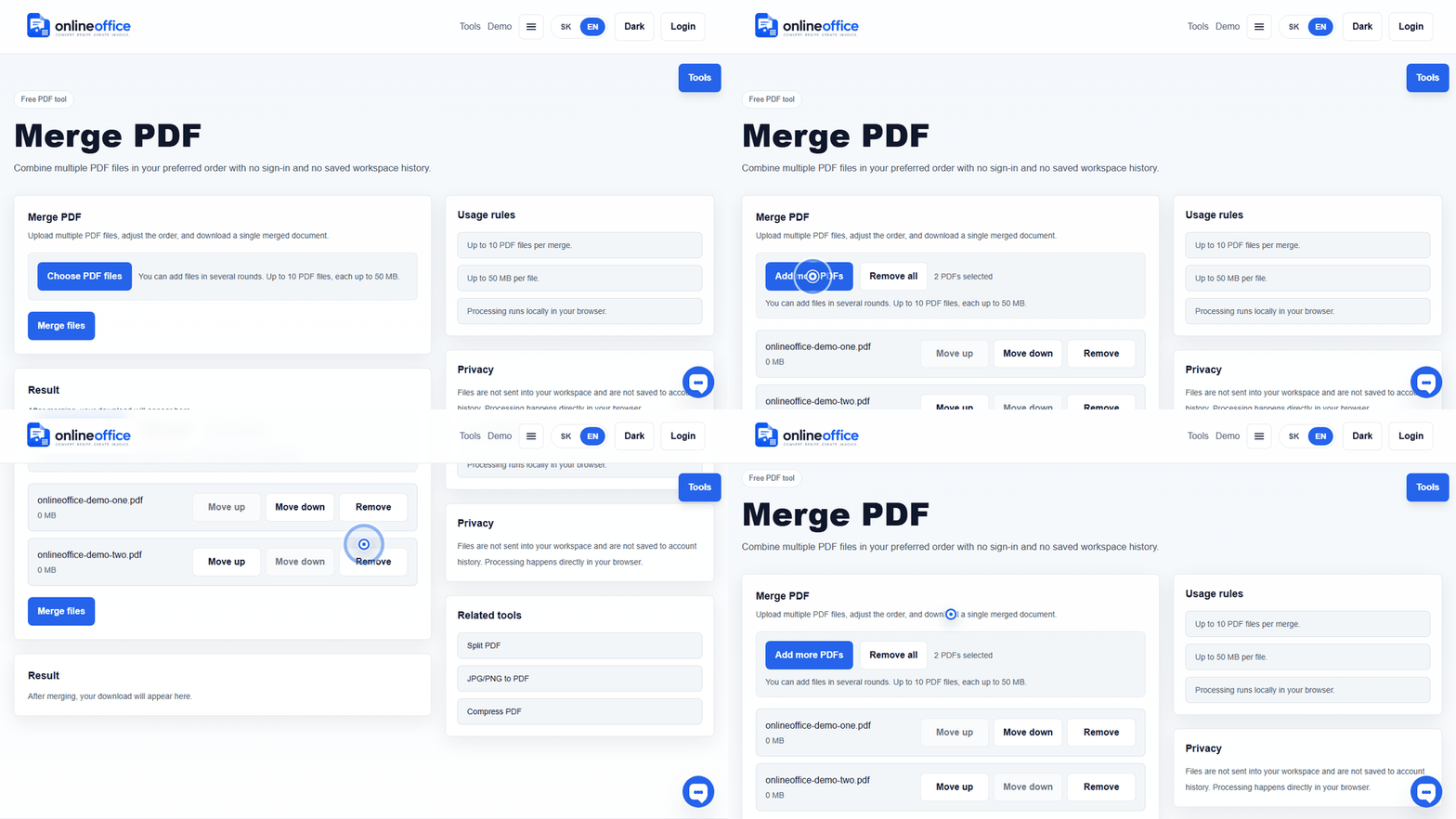
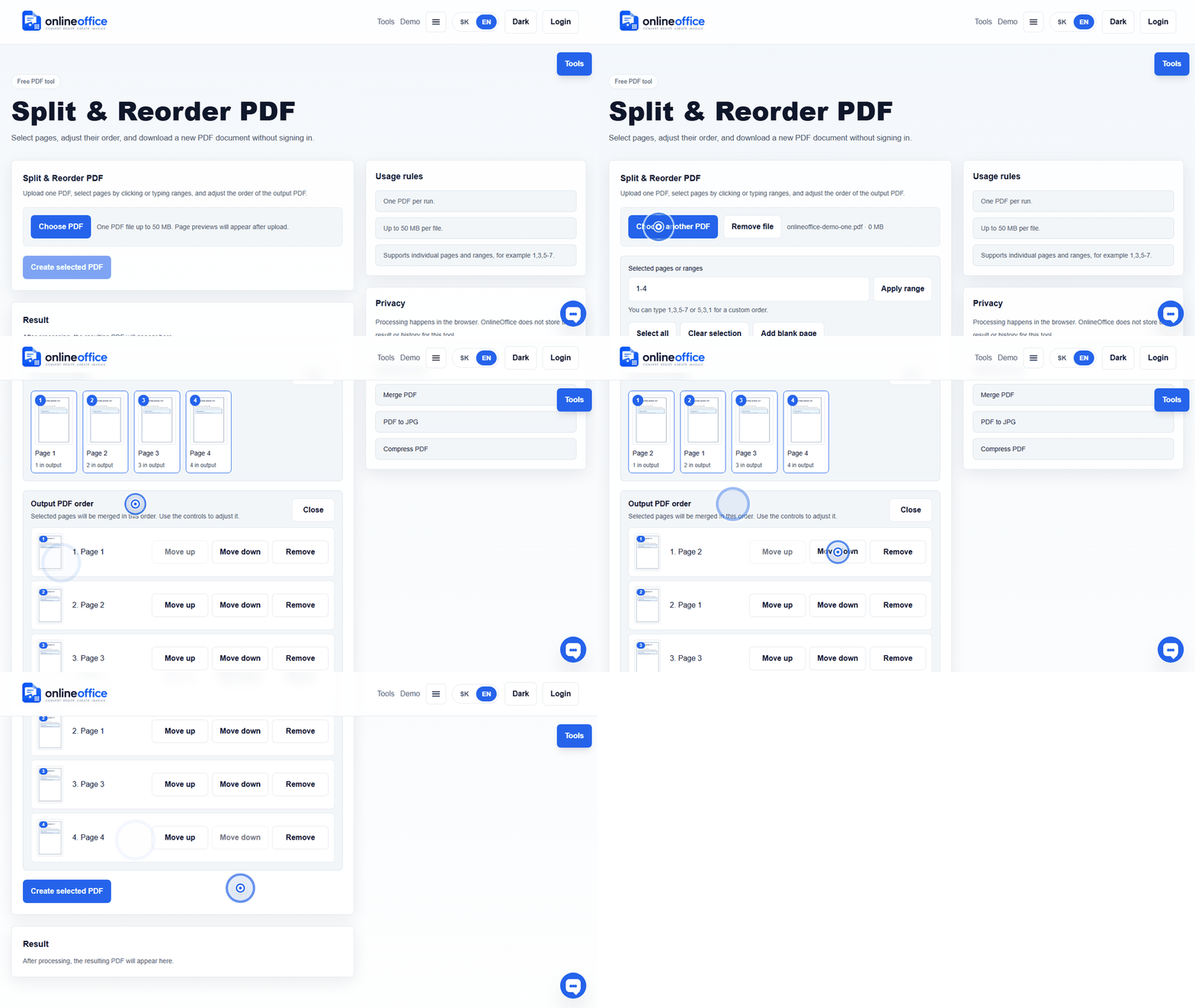
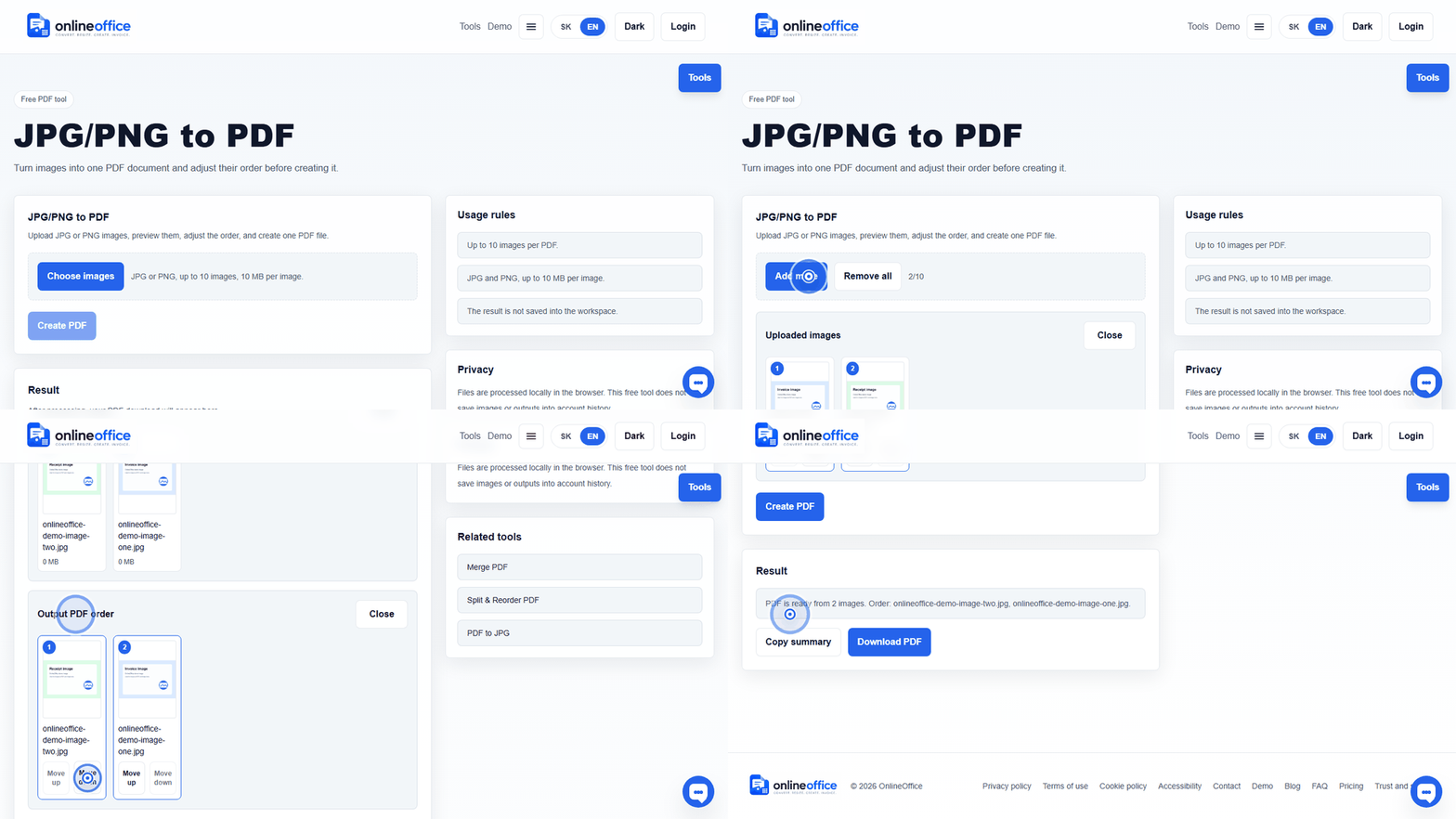
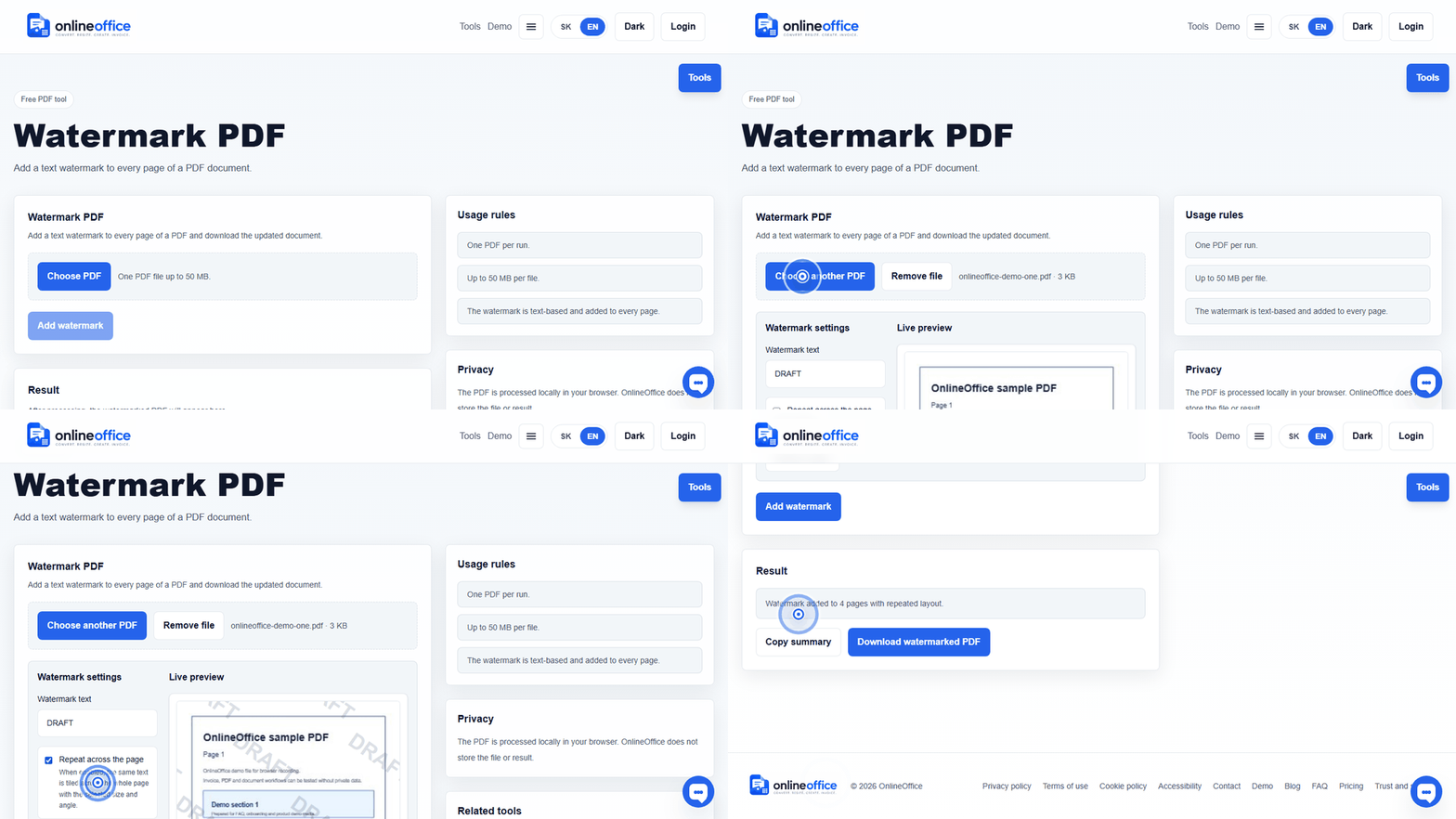
Short animated walkthroughs show real OnlineOffice clicks without private data.
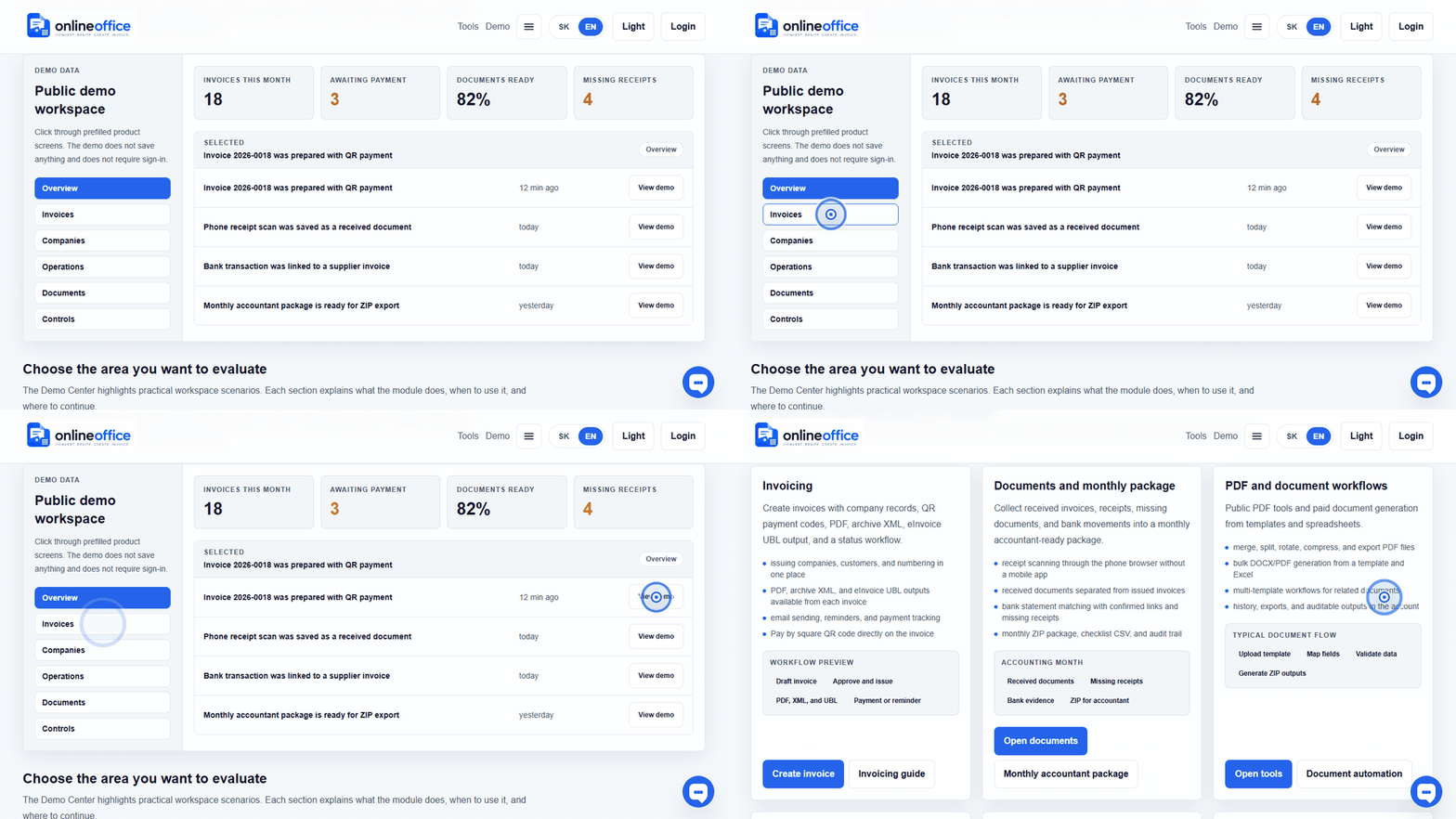
Invoice workflow preview: draft, customer, QR payment, PDF, archive XML, and eInvoice UBL.
Open demo