
Public workspace demo
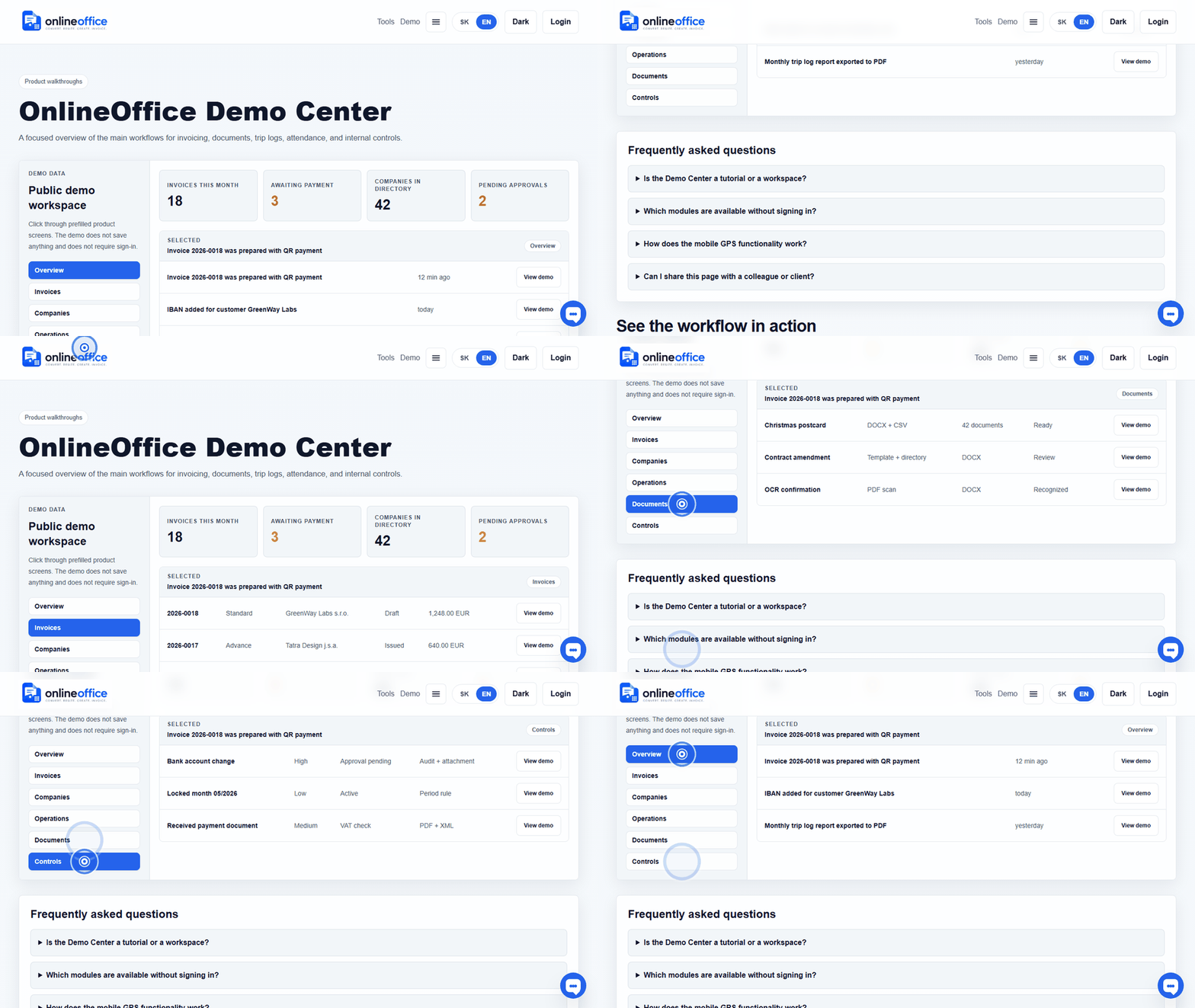
Click through sample invoices, received documents, companies, and monthly package status without signing in.
Open demoShort answers about invoicing, QR payments, receipts, received documents, bank statements, monthly packages, PEPPOL/eInvoicing, the Android app, privacy, and billing.
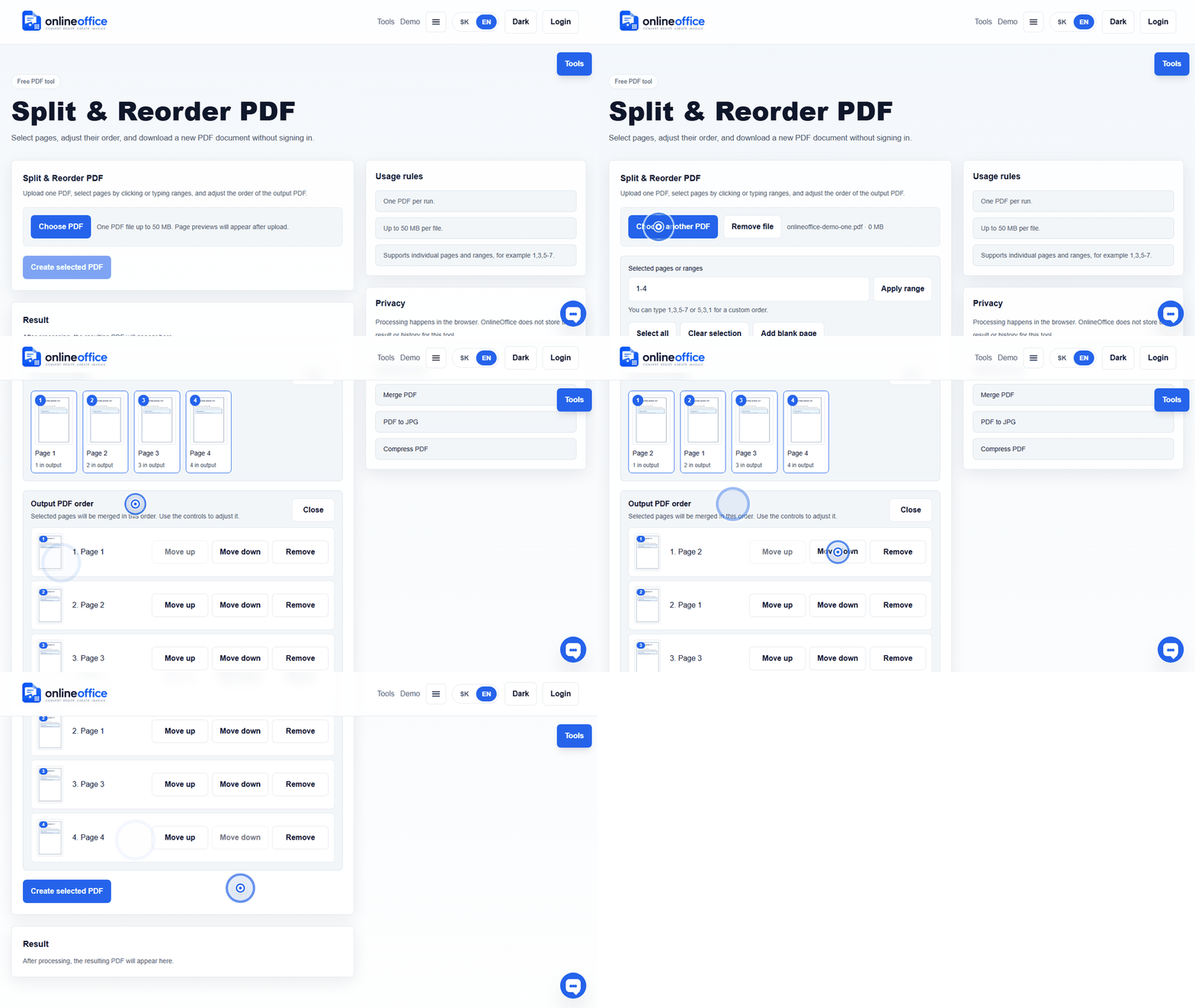
Short animated walkthroughs show real OnlineOffice clicks without private data.
Click through sample invoices, received documents, companies, and monthly package status without signing in.
Open demo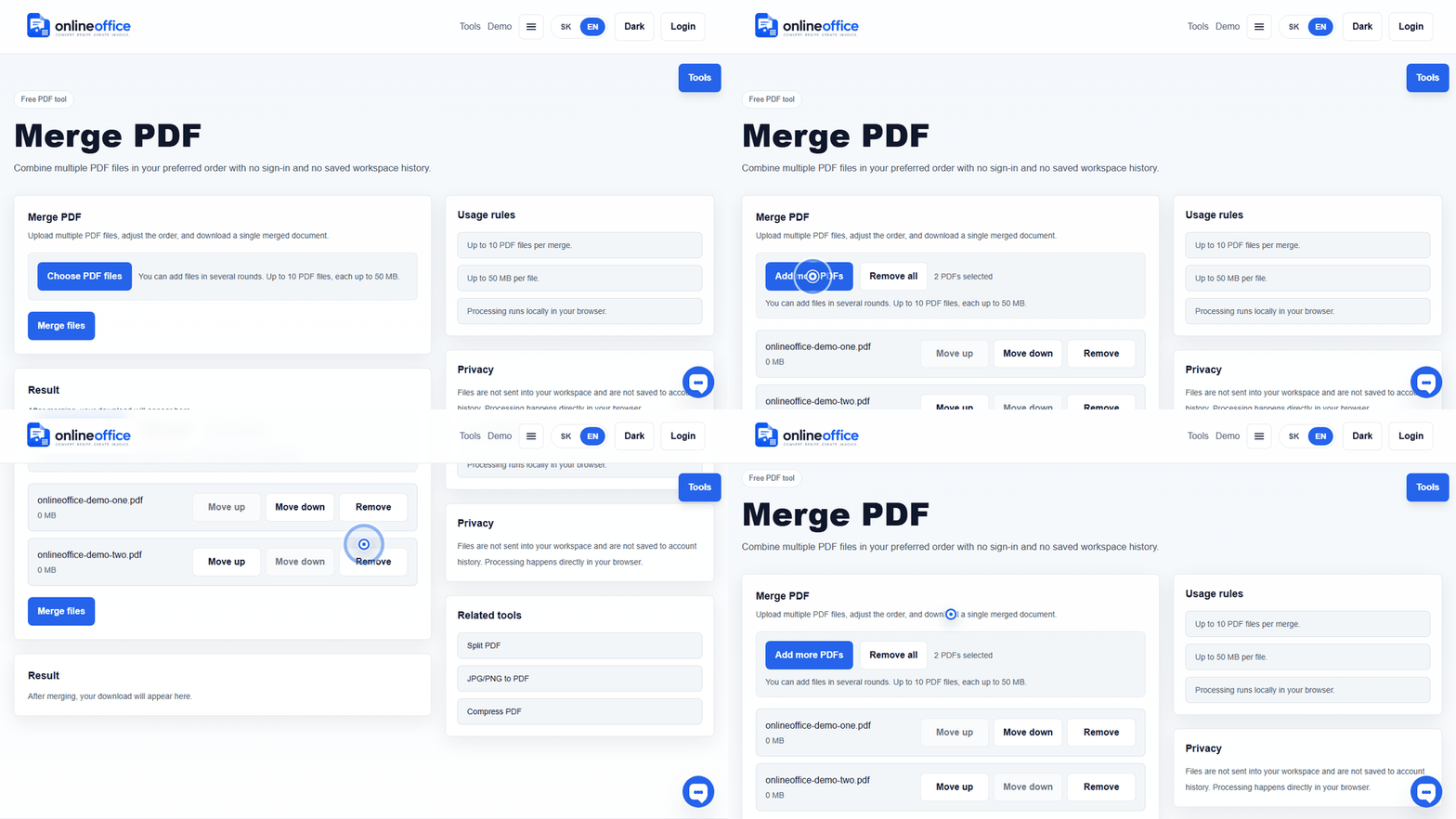
Account, plan, workspace, and basic usage.
Open category4Invoices, customers, PDF, XML, and workflow status.
Open category6Structured invoices, PEPPOL XML, and Slovak e-invoicing readiness.
Open category2PAY by square QR codes and payment details.
Open category6PDF tools, templates, and bulk workflows.
Open category6Receipts, received documents, bank statements, monthly package, and accountant handoff.
Open category1Vehicles, drivers, trips, and monthly reports.
Open category3Mobile GPS evidence for trips.
Open category1Clock-in/out, timesheets, corrections, and approvals.
Open category6Geofence attendance and transparency.
Open category4GDPR, retention, mobile permissions, and security.
Open category3Plans, add-ons, and OnlineOffice billing.
Open categoryPublic PDF and image tools work without an account. An account is needed for workspace, invoices, archive, and paid workflows.
GeneralYes. The workspace supports issuing companies and a shared customer address book.
InvoicingIn most workflows, separate prefixes or sequences are safer, for example invoices, proformas, advances, and credit notes separately. This makes the document type clear. The exact rules should be confirmed with an accountant.
InvoicingThe recommended model is a reminder with a draft. The system prepares a prefilled invoice by schedule, but the user reviews, edits, snoozes, or cancels it before issuing.
InvoicingNo. A PDF is the human-readable copy. An e-invoice is structured data intended for automated processing, validation, and delivery through a channel such as PEPPOL.
E-invoicing and PEPPOLAccounting XML can serve import into a specific accounting system. PEPPOL XML is an e-invoicing output with structure and validation rules for delivery. That is why the app should label buttons clearly: PDF, Accounting XML, and PEPPOL XML.
E-invoicing and PEPPOLOnlineOffice prepares invoice data, validates PEPPOL UBL, shows readiness status, and keeps the delivery trace. Production PEPPOL delivery is enabled only after certification is complete or approved delivery infrastructure is connected. In the app, the user sees a practical status: ready, missing data, queued, sent, delivered, or rejected.
E-invoicing and PEPPOLIt means the PEPPOL/UBL check found a blocking issue, for example missing company ID, VAT ID, IBAN, address, currency, date, or invoice line. When the draft is opened through Edit, OnlineOffice shows the concrete missing data and the section to fix.
E-invoicing and PEPPOLPDF, archive XML, and PEPPOL UBL are regenerated when the invoice draft is saved. If you fix the company or customer in the directory, open the draft invoice and save it so files are created from current data. Issued or locked documents must follow accounting rules and audit trail.
E-invoicing and PEPPOLOnlineOffice uses practical statuses: ready, missing data, queued, sent, delivered, rejected, or not applicable. The goal is that users do not need to read technical XML and can see the next action.
E-invoicing and PEPPOLQR payment needs valid IBAN, amount, currency, and payment identification. If IBAN is missing or invalid, the system should warn the user.
QR paymentsThe user uploads a DOCX template with placeholders or a PDF template with positioned fields, then adds Excel/CSV data. Fields can be mapped to columns and each row creates its own document in a ZIP package.
PDF/document workflowsNot always. If names differ, the user can visually map a template field to a column from Excel or CSV. For dates, company IDs, and tax IDs, the system warns about suspicious values, but the user should be able to fix mapping or ignore an unused column.
PDF/document workflowsYes. Monthly reports should be available as PDF and XLSX by vehicle, driver, and month.
Trip logNo. A route is recorded only when explicitly enabled or when the user starts a trip. Ignored detection should not store a detailed route.
Smart TripsYes. The user can select a vehicle, tap start, end the trip, and add purpose, client, or project.
Smart TripsRoute point retention should be configurable, typically 30 to 60 days. After expiry, only the accounting trip summary remains.
Smart TripsYes. The employee can request a correction and the manager approves or rejects it. Changes are recorded in audit logs.
AttendanceNo. Smart Presence should store only workplace enter/exit events during active work windows.
Smart Presence GPSNot as a default purpose. OnlineOffice is not meant to be a live employee tracking tool. Attendance works with event evidence.
Smart Presence GPSIt should not be collected outside active work windows, during vacation, sick leave, public holiday, or approved absence.
Smart Presence GPSYes. Employees should see attendance events, suggestions, and the option to request corrections.
Smart Presence GPSYes. The module should be enabled according to workspace settings and device system permissions.
Smart Presence GPSYes, if the app uses location. The privacy policy and in-app disclosure should match actual app behaviour.
Privacy & dataPaid add-ons will be listed in pricing for specific modules. Control Center is currently marked as coming soon; price and limits will be shown when it becomes available.
BillingIn Slovakia, accounting and tax documents are typically handled with a 10-year retention period. OnlineOffice therefore designs longer retention for invoices, XML/e-invoice outputs, audit events, and evidence packages; the exact setting should be confirmed by the customer with their accountant or tax adviser.
InvoicingYes, where it is needed for a selected process such as onboarding, contract changes, attendance, or offboarding. The recommended principle is minimisation: store only necessary fields, restrict access by role, audit changes, and archive people who are no longer active.
Privacy & dataNo. Packs are working templates and control materials for Slovak processes. Before signing or using them with an employee, client, or authority, an authorised person should review them against the specific situation.
PDF/document workflowsOnly for enabled modules that need it: Smart Presence for workplace geofence enter/exit events or Smart Trips during a clearly active trip mode. The app must not secretly collect location outside configured windows, absences, or disabled modules.
Smart Presence GPSCheck IBAN, amount, currency, payment reference, due date, and customer name. For first use, scan the QR code in a banking app and verify that the data matches the invoice.
QR paymentsA PDF can contain a real text layer or only an image of the page. A text layer can be selected and covered with new embedded text. A scan needs OCR first because the scan itself has no text layer.
PDF/document workflowsNot always. A cover can hide content visually, while the original text may remain in the PDF. True redaction must remove or make inaccessible the original sensitive content and metadata.
PDF/document workflowsFor important documents, no. OCR speeds up transcription, but the resulting DOCX should be reviewed, especially numbers, amounts, names, diacritics, and tables.
PDF/document workflowsOn desktop, the user chooses Add receipt and OnlineOffice shows a short-lived QR link. The phone opens a web scanner, scans the receipt QR or the user enters details manually, and a received-document draft is created for review. If the user is already on mobile, the scanner opens directly without an extra handoff QR.
Accounting documentsReceived documents are separated from issued invoices in the workspace. The user can upload them, review them, mark them ready or return them for review, and later include them in the monthly accountant package.
Accounting documentsIt is better to mark a missing receipt immediately so it does not disappear into memory or email. OnlineOffice creates a visible monthly item that the user or accountant can later complete, resolve, or link to a bank payment.
Accounting documentsThe monthly package combines issued invoices, received documents, receipts, missing-document records, bank evidence, and a checklist CSV. The goal is not to do accounting instead of the accountant, but to hand over a clear ZIP and show what is ready or still needs review.
Accounting documentsA CSV or XLSX bank statement is normalized into transactions that the user can confirm against an invoice, link to a received document, mark as a missing receipt, or ignore. Confirmed matching is audited and improves the monthly accountant view.
Accounting documentsAn accountant or user with access to multiple companies sees a monthly client overview: document counts, ready and review items, bank evidence, missing receipts, unmatched received documents, and handoff status.
Accounting documentsYes. The archive should keep searchable metadata, checksum, original filename, company, document type, and period. This allows one file to be restored even when it is physically stored inside a monthly or yearly ZIP package.
Privacy & dataNo. Accounting and legal documents should be protected by a retention policy. Automatic cleanup is appropriate for temporary exports, previews, or technical data after a short period, not for accounting records.
Privacy & dataA team workspace needs an accountable person for billing, roles, approvals, and security changes. Without OWNER or ADMIN, subscription handling and internal controls become fragile.
BillingIt is an operational overview showing whether paid accounts have billing profiles, workspaces have owners, companies have billing identity, and enterprise workflows have no blocked or overdue steps.
Billing