FAQ category
PDF/document workflows
PDF tools, templates, and bulk workflows.
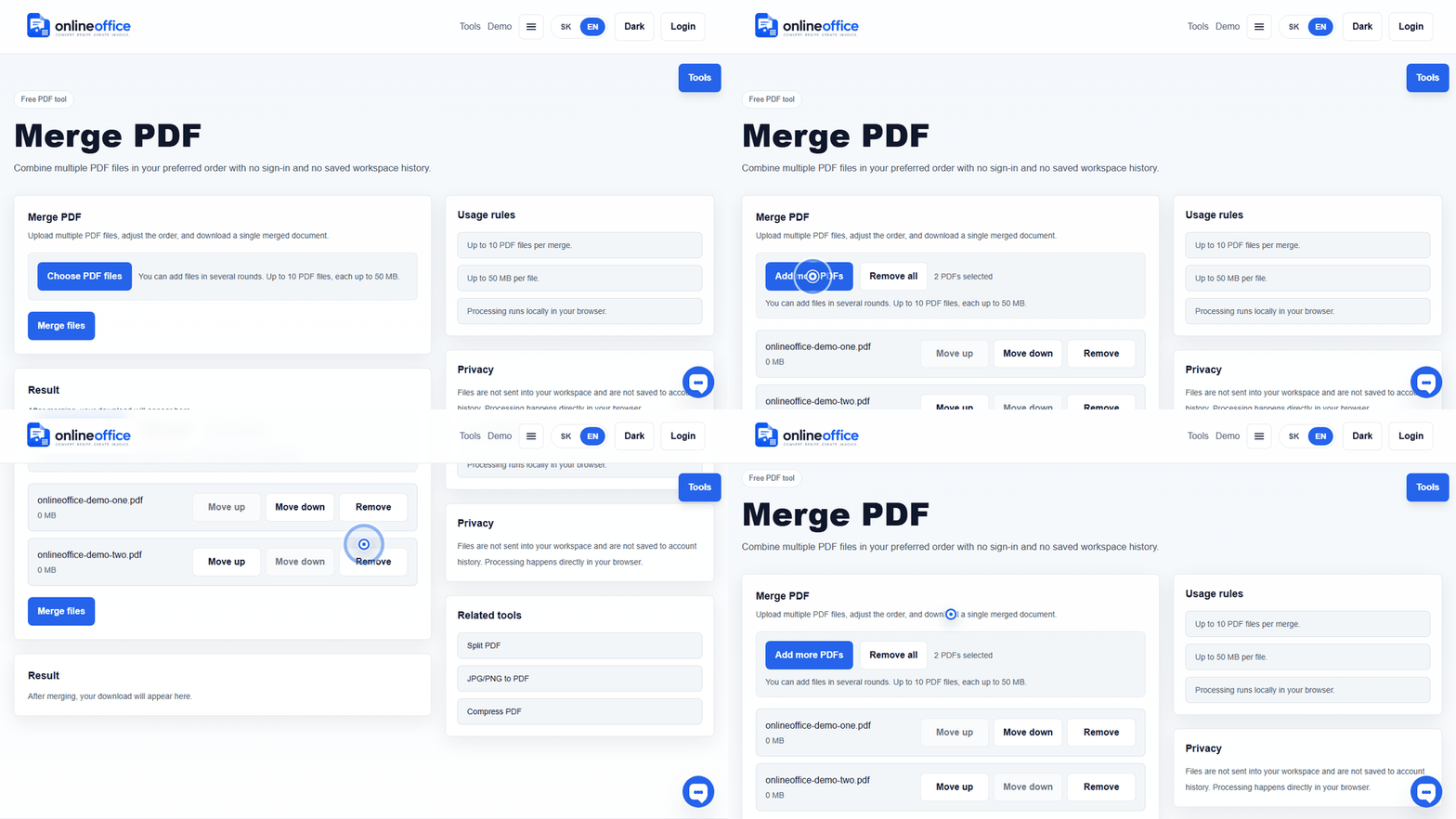
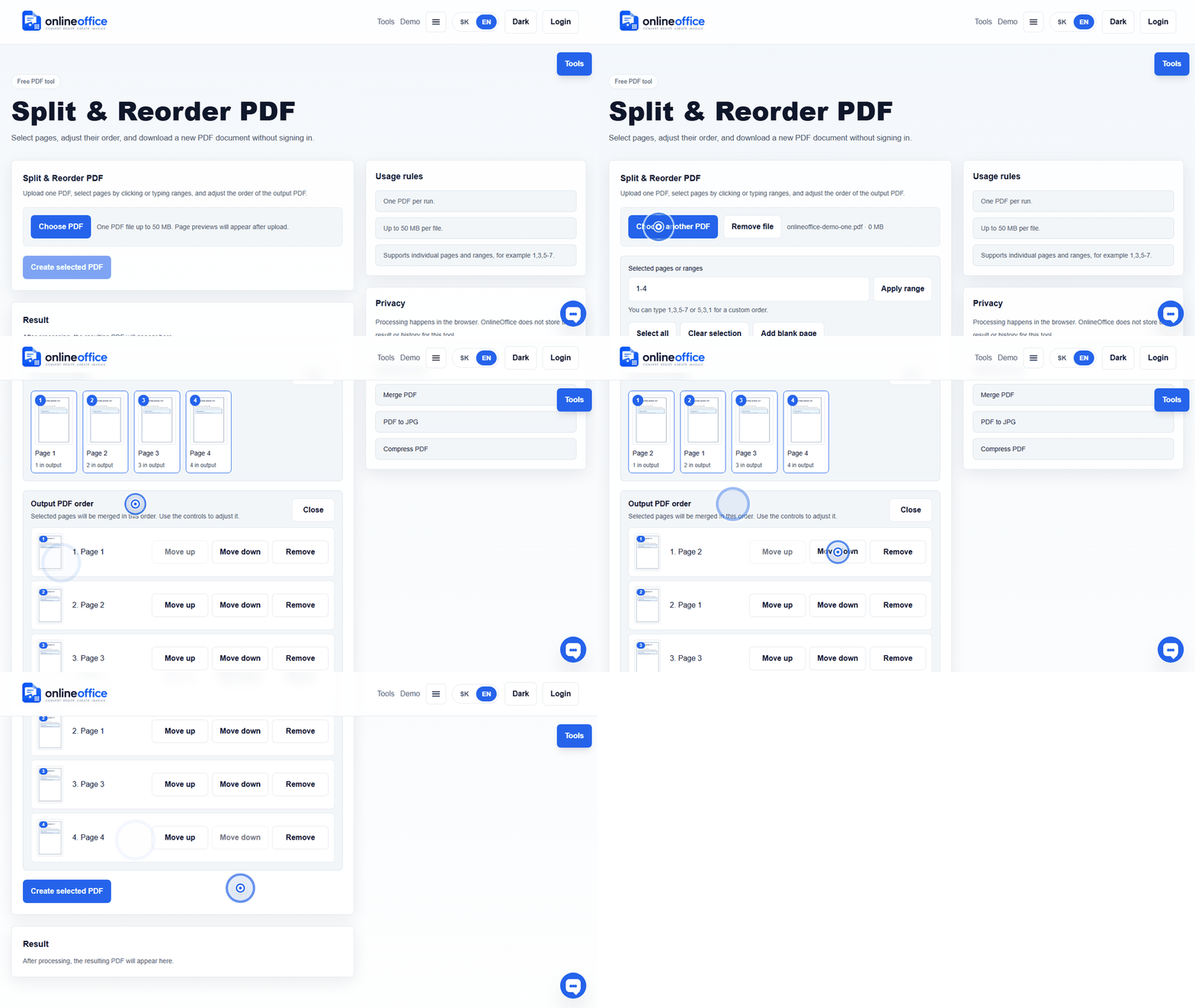
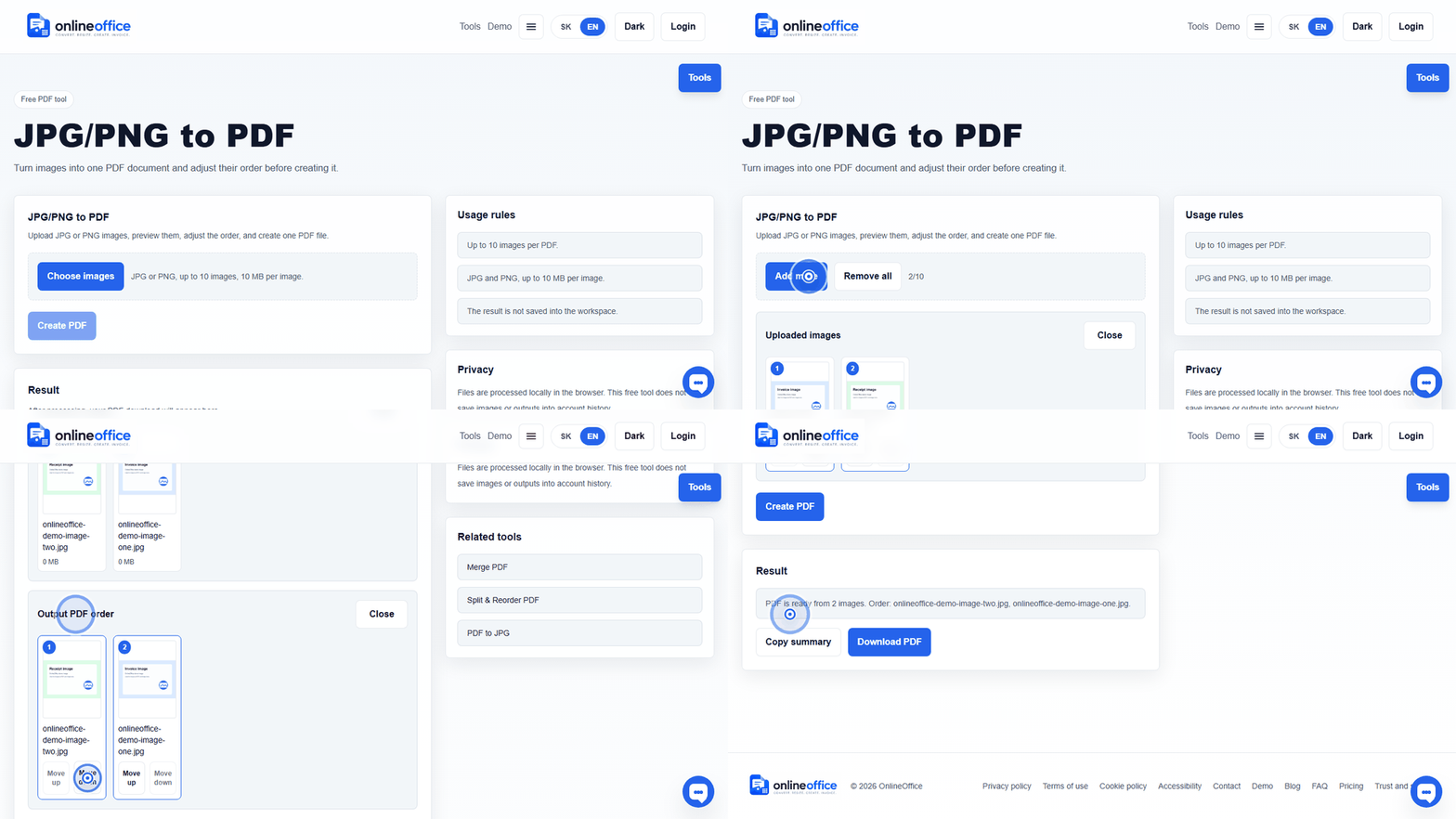
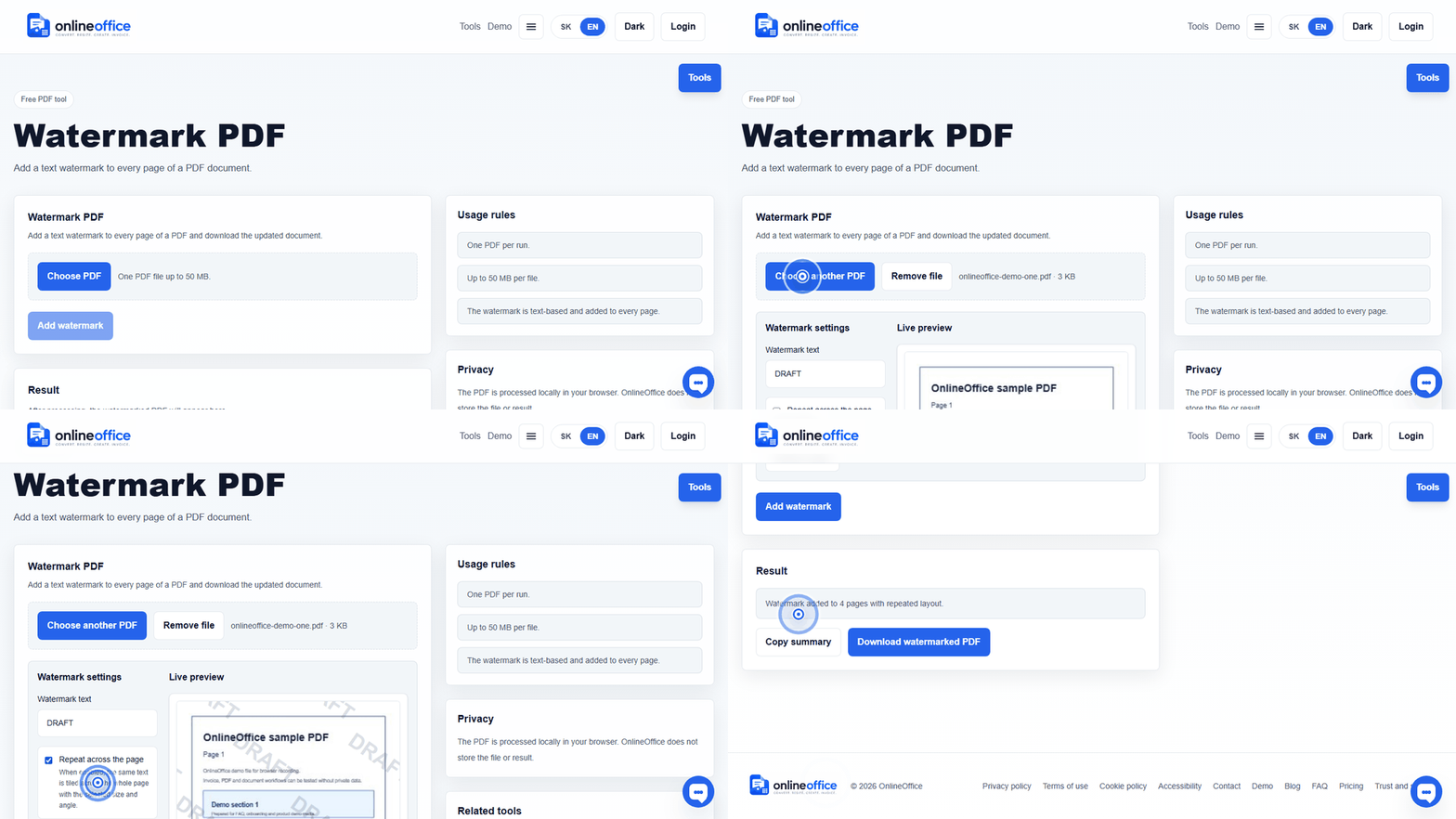
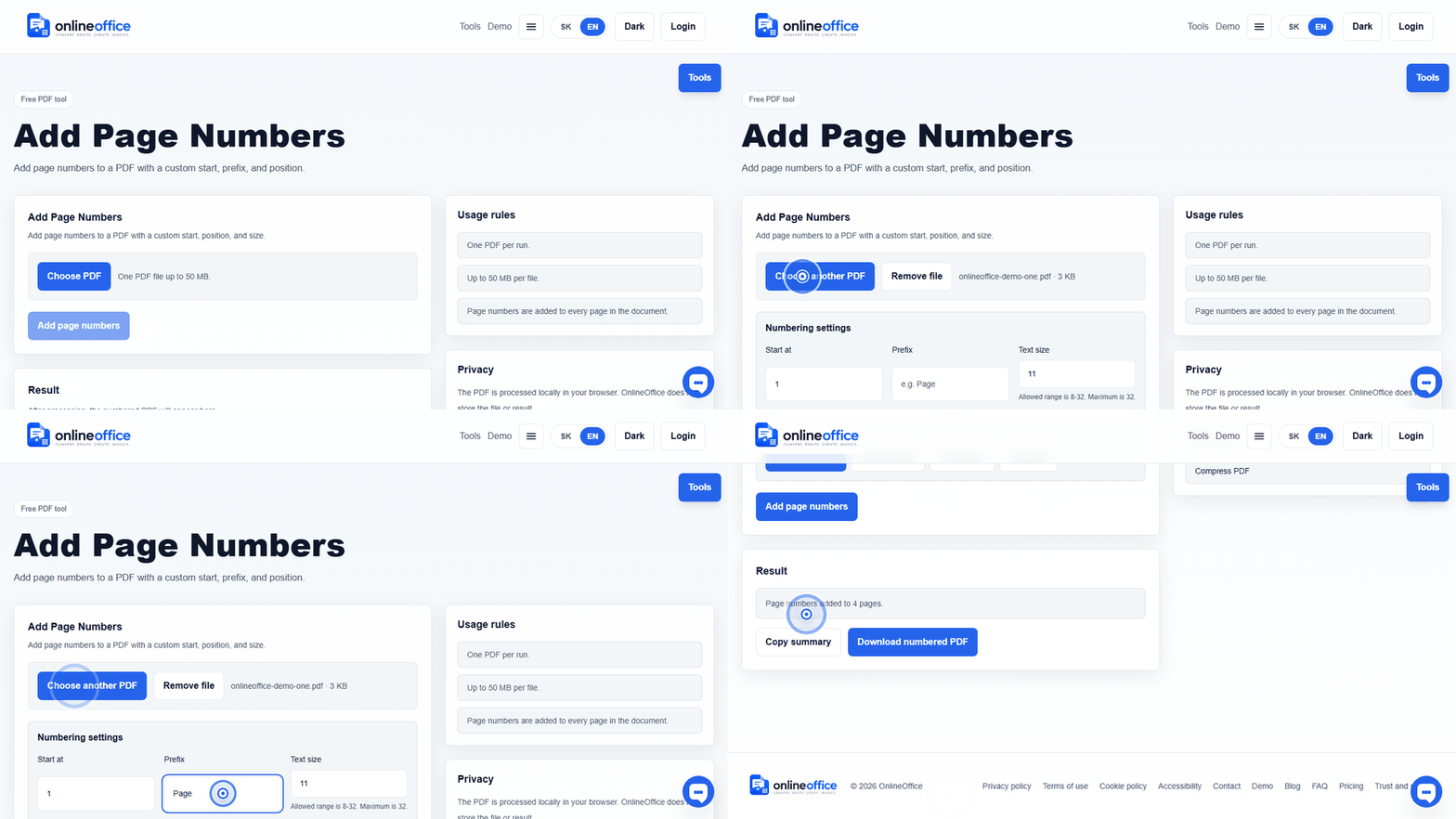
See the workflow in action
Short animated walkthroughs show real OnlineOffice clicks without private data.
How does bulk document generation work?
The user uploads a DOCX template with placeholders or a PDF template with positioned fields, then adds Excel/CSV data. Fields can be mapped to columns and each row creates its own document in a ZIP package.
Does the CSV need the same column names as the template?
Not always. If names differ, the user can visually map a template field to a column from Excel or CSV. For dates, company IDs, and tax IDs, the system warns about suspicious values, but the user should be able to fix mapping or ignore an unused column.
Are compliance packs final legal documents?
No. Packs are working templates and control materials for Slovak processes. Before signing or using them with an employee, client, or authority, an authorised person should review them against the specific situation.
Why is some PDF text selectable and some is not?
A PDF can contain a real text layer or only an image of the page. A text layer can be selected and covered with new embedded text. A scan needs OCR first because the scan itself has no text layer.
Is covering text in a PDF the same as redaction?
Not always. A cover can hide content visually, while the original text may remain in the PDF. True redaction must remove or make inaccessible the original sensitive content and metadata.
Can I use OCR output without review?
For important documents, no. OCR speeds up transcription, but the resulting DOCX should be reviewed, especially numbers, amounts, names, diacritics, and tables.