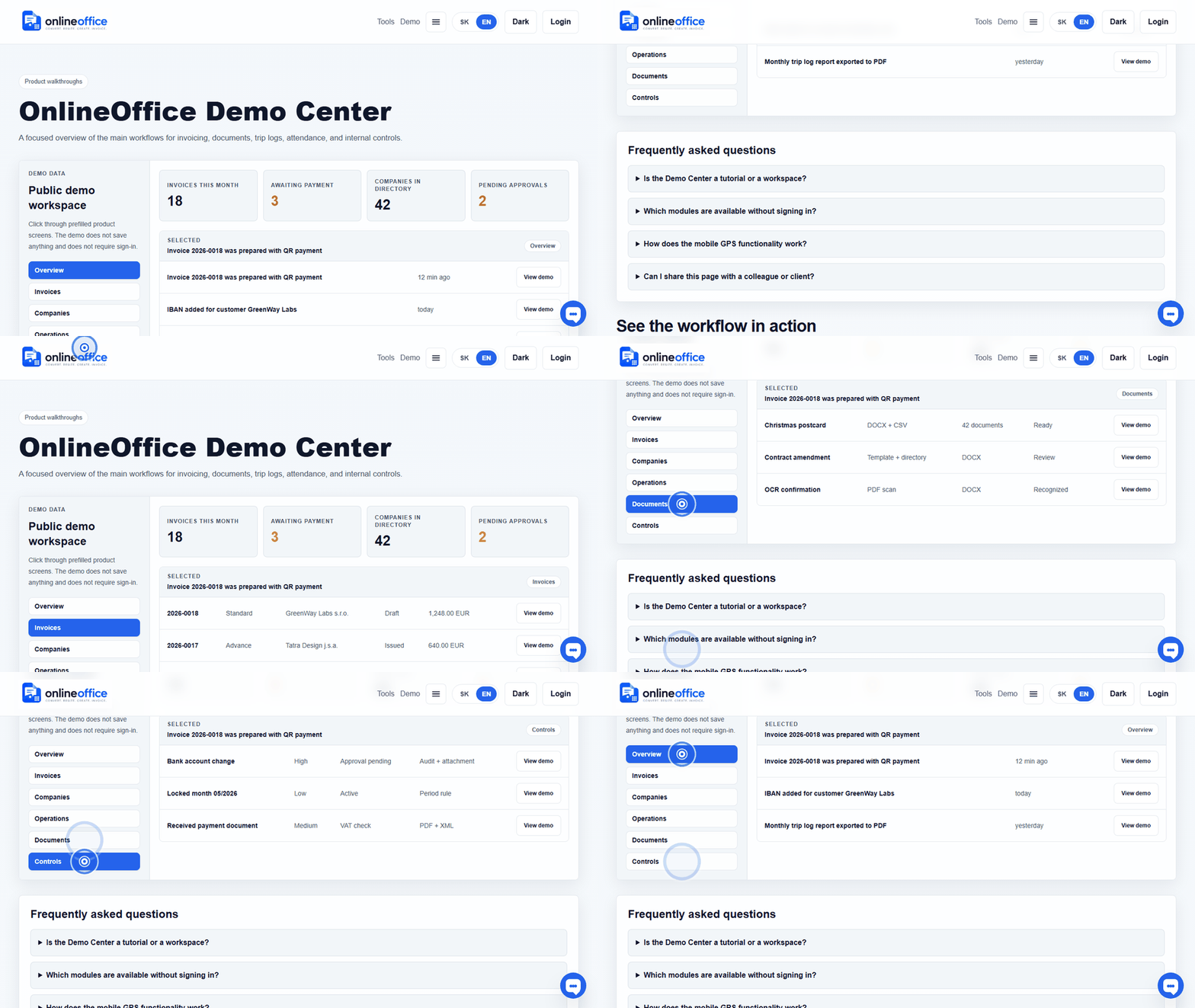
Public workspace demo
Click through sample invoices, received documents, companies, and monthly package status without signing in.
Open demoReceipts, received documents, bank statements, monthly package, and accountant handoff.
Short animated walkthroughs show real OnlineOffice clicks without private data.
Click through sample invoices, received documents, companies, and monthly package status without signing in.
Open demoOn desktop, the user chooses Add receipt and OnlineOffice shows a short-lived QR link. The phone opens a web scanner, scans the receipt QR or the user enters details manually, and a received-document draft is created for review. If the user is already on mobile, the scanner opens directly without an extra handoff QR.
Received documents are separated from issued invoices in the workspace. The user can upload them, review them, mark them ready or return them for review, and later include them in the monthly accountant package.
It is better to mark a missing receipt immediately so it does not disappear into memory or email. OnlineOffice creates a visible monthly item that the user or accountant can later complete, resolve, or link to a bank payment.
The monthly package combines issued invoices, received documents, receipts, missing-document records, bank evidence, and a checklist CSV. The goal is not to do accounting instead of the accountant, but to hand over a clear ZIP and show what is ready or still needs review.
A CSV or XLSX bank statement is normalized into transactions that the user can confirm against an invoice, link to a received document, mark as a missing receipt, or ignore. Confirmed matching is audited and improves the monthly accountant view.
An accountant or user with access to multiple companies sees a monthly client overview: document counts, ready and review items, bank evidence, missing receipts, unmatched received documents, and handoff status.