Create invoice
Invoice workflow preview: draft, customer, QR payment, PDF, archive XML, and eInvoice UBL.
Open demoStructured invoices, PEPPOL XML, and Slovak e-invoicing readiness.
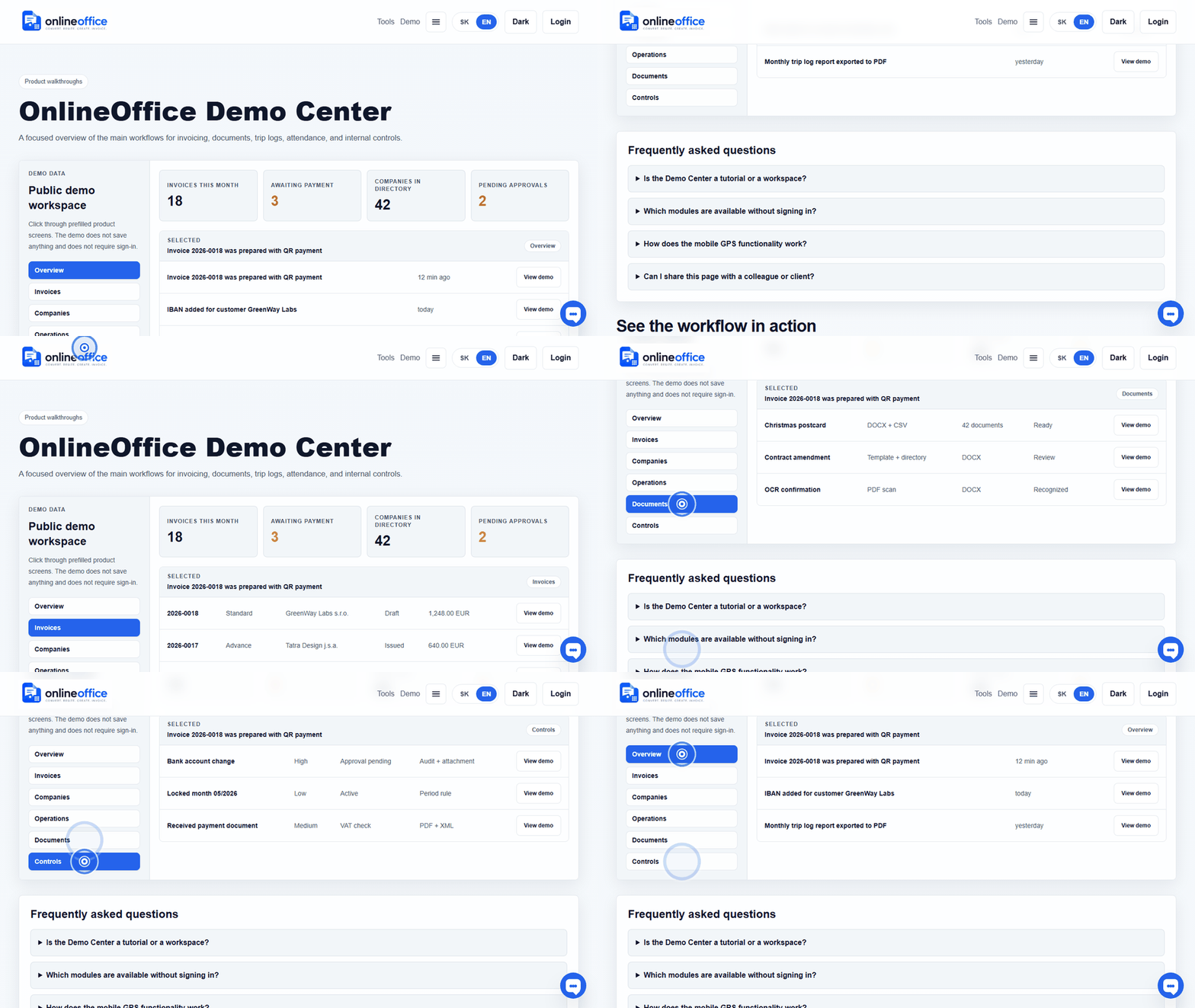
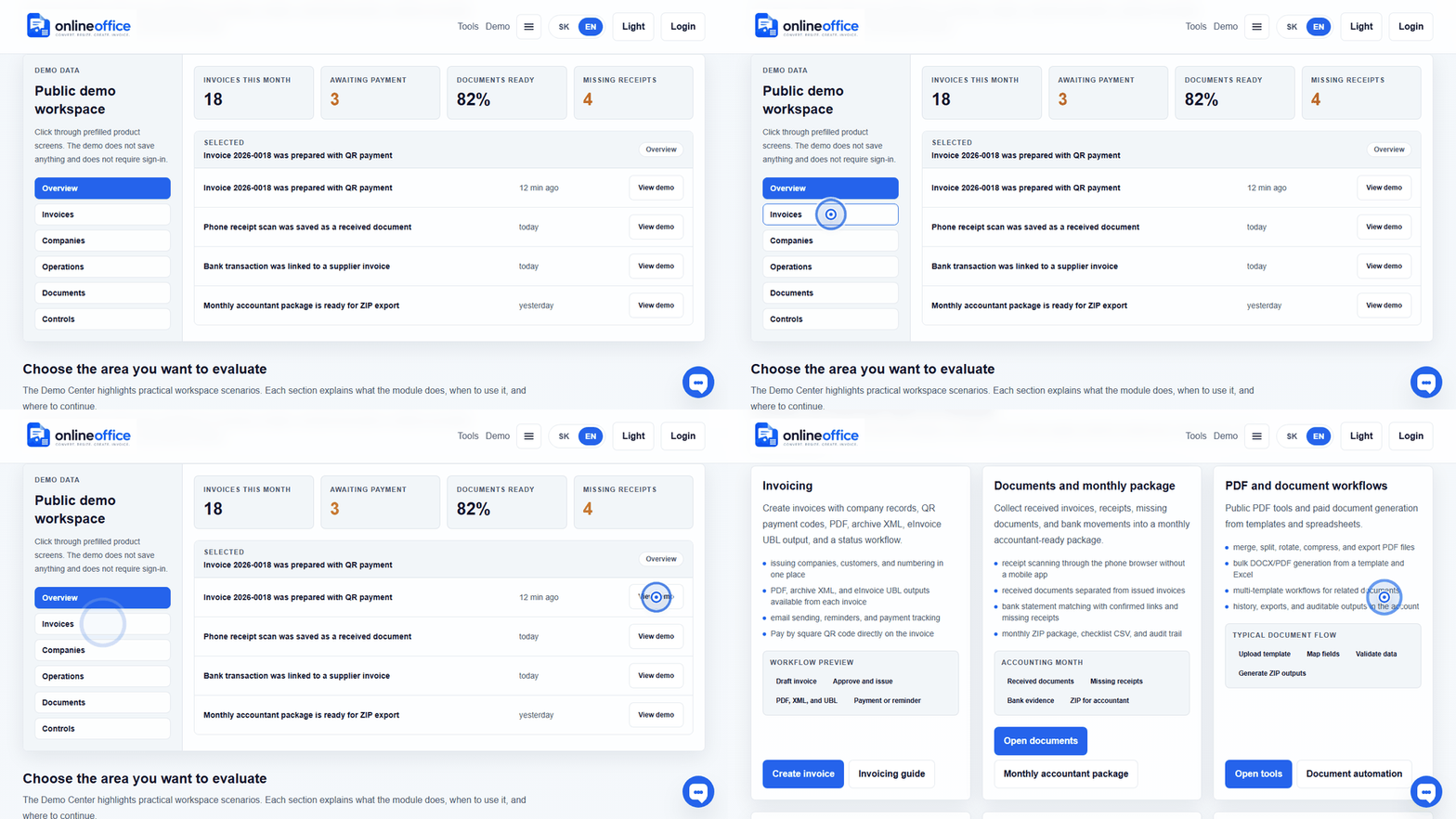
Short animated walkthroughs show real OnlineOffice clicks without private data.
No. A PDF is the human-readable copy. An e-invoice is structured data intended for automated processing, validation, and delivery through a channel such as PEPPOL.
Accounting XML can serve import into a specific accounting system. PEPPOL XML is an e-invoicing output with structure and validation rules for delivery. That is why the app should label buttons clearly: PDF, Accounting XML, and PEPPOL XML.
OnlineOffice prepares invoice data, validates PEPPOL UBL, shows readiness status, and keeps the delivery trace. Production PEPPOL delivery is enabled only after certification is complete or approved delivery infrastructure is connected. In the app, the user sees a practical status: ready, missing data, queued, sent, delivered, or rejected.
It means the PEPPOL/UBL check found a blocking issue, for example missing company ID, VAT ID, IBAN, address, currency, date, or invoice line. When the draft is opened through Edit, OnlineOffice shows the concrete missing data and the section to fix.
PDF, archive XML, and PEPPOL UBL are regenerated when the invoice draft is saved. If you fix the company or customer in the directory, open the draft invoice and save it so files are created from current data. Issued or locked documents must follow accounting rules and audit trail.
OnlineOffice uses practical statuses: ready, missing data, queued, accepted for processing, delivered, recipient not in PEPPOL, rejected, or not applicable. Accepted for processing is not yet proof of delivery. Users see the outcome and next action without reading technical XML.
OnlineOffice marks the document as Recipient not in PEPPOL. Deliver the same invoice another way, such as PDF by email, and do not issue a replacement invoice. Ordinary retry is blocked. If the customer registers within the statutory 15-day period, the unchanged document can be resubmitted to PEPPOL with a new technical key.
For most companies, we recommend the default send-and-receive option. OnlineOffice then delivers issued eInvoices and stores incoming eInvoices with received documents. Send-only is for a company that already receives PEPPOL documents through another provider and wants to keep that arrangement.
Yes. A company owner or admin can request a change between send-and-receive and send-only. A change that enables or disables receiving takes effect only after provider confirmation. The existing service remains active until then so incoming documents are not lost.