Create invoice
Invoice workflow preview: draft, customer, QR payment, PDF, archive XML, and eInvoice UBL.
Open demoPAY by square QR codes and payment details.
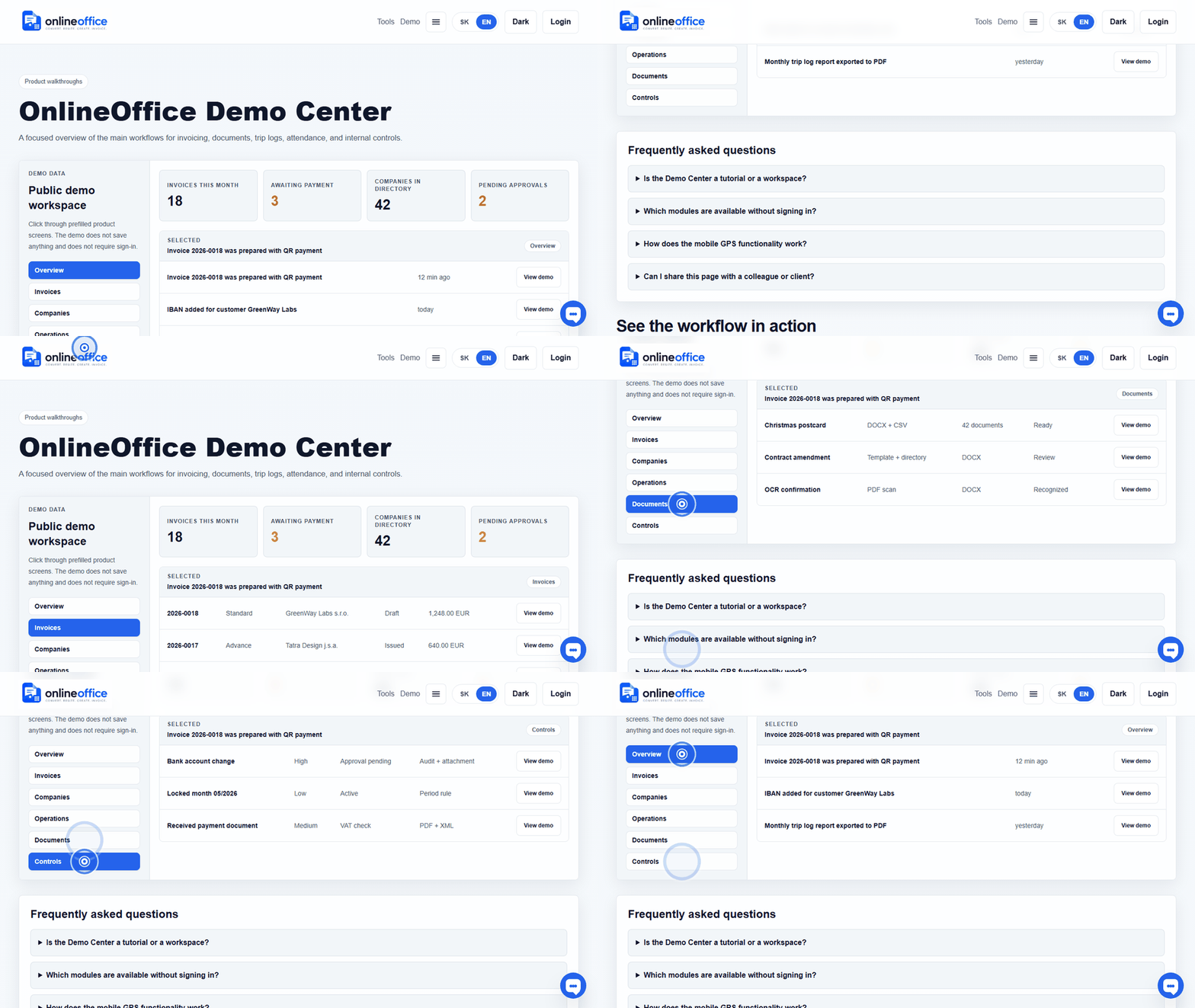
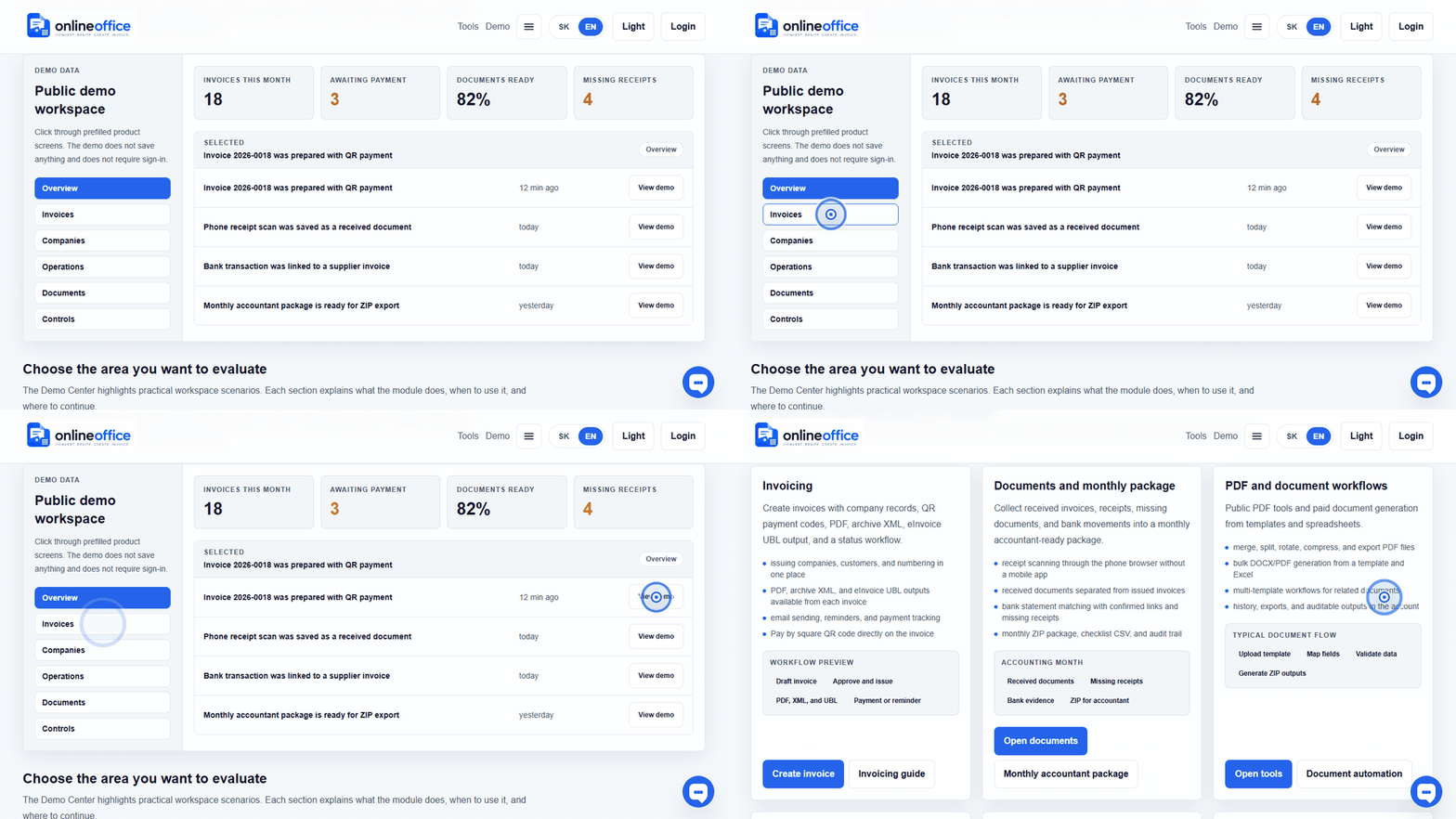
Short animated walkthroughs show real OnlineOffice clicks without private data.
QR payment needs valid IBAN, amount, currency, and payment identification. If IBAN is missing or invalid, the system should warn the user.
Check IBAN, amount, currency, payment reference, due date, and customer name. For first use, scan the QR code in a banking app and verify that the data matches the invoice.